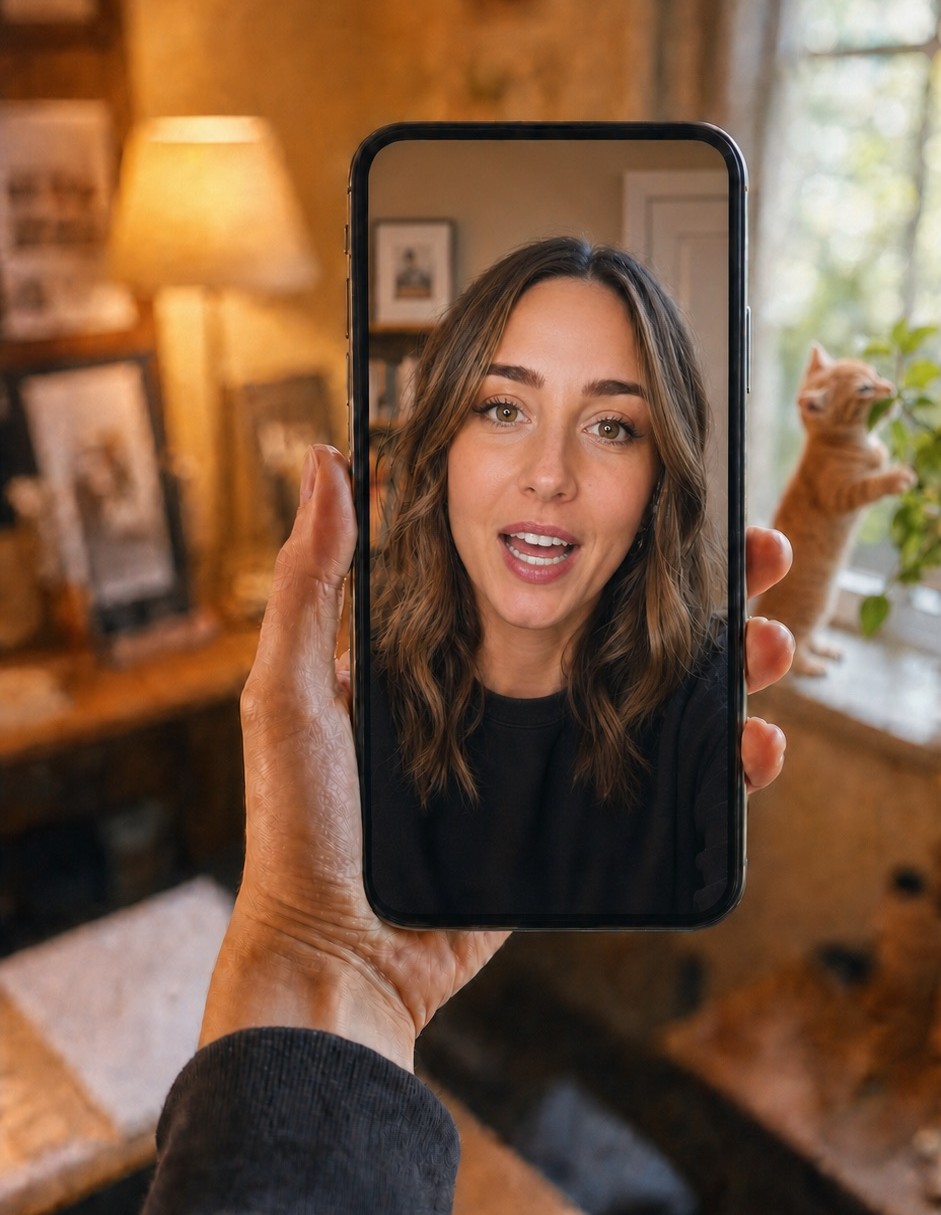
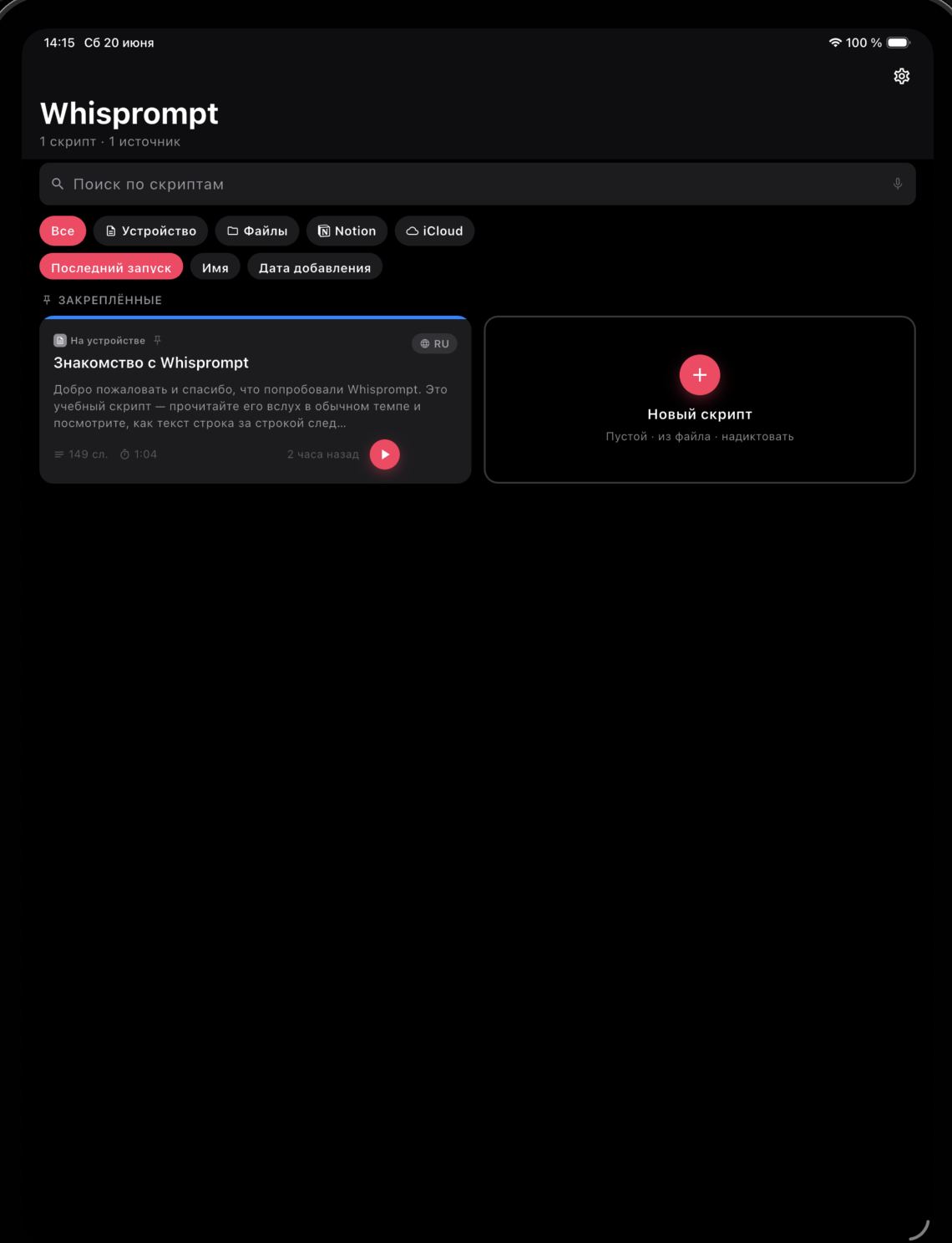
Voice-tracking teleprompter

Your voice leads. The script follows.

Classic prompters scroll at one speed and dare you to keep up. Whisprompt listens: pause, ad-lib, skip ahead or double back — it finds your place and stays with you. Add an offline language pack and it needs no connection at all.

No account. No cloud. Offline packs for airplane mode.

iPhone and iPad first — a Mac station and more are on the way.
Offline language packs Tracks with no signal Records video & audio iPhone · iPad · Mac Casts to every screen on set
The core

The first prompter that actually listens

You don’t follow the scroll — the scroll follows you. Speak at your own pace; the line you’re reading stays in the reading zone, take after take.

Offline VoiceTrack

Word by word, it stays with your delivery

The current word lights up, read lines dim, the page moves exactly as fast as you speak. Improvise a whole tangent — the scroll waits quietly, then picks you up at the next scripted line. No hand on a dial, no producer on a scroll wheel.

  • Pause, ad-lib or jump a paragraph — it re-finds your place in a beat
  • Off-script? It waits instead of running away
  • A live level meter proves you’re being heard — no silent failures mid-take
Works offline

A field, a basement, a plane. Hit record.

Download an offline language pack once and speech recognition runs on the device itself, with nothing depending on a connection. The same take works in a studio with fiber and on a cliff with zero bars.

  • With a pack installed: fully offline, airplane mode included
  • Without one, your phone’s own recogniser takes over — same tracking, a connection sometimes needed
  • Prefer a constant pace? Auto-scroll is one tap away
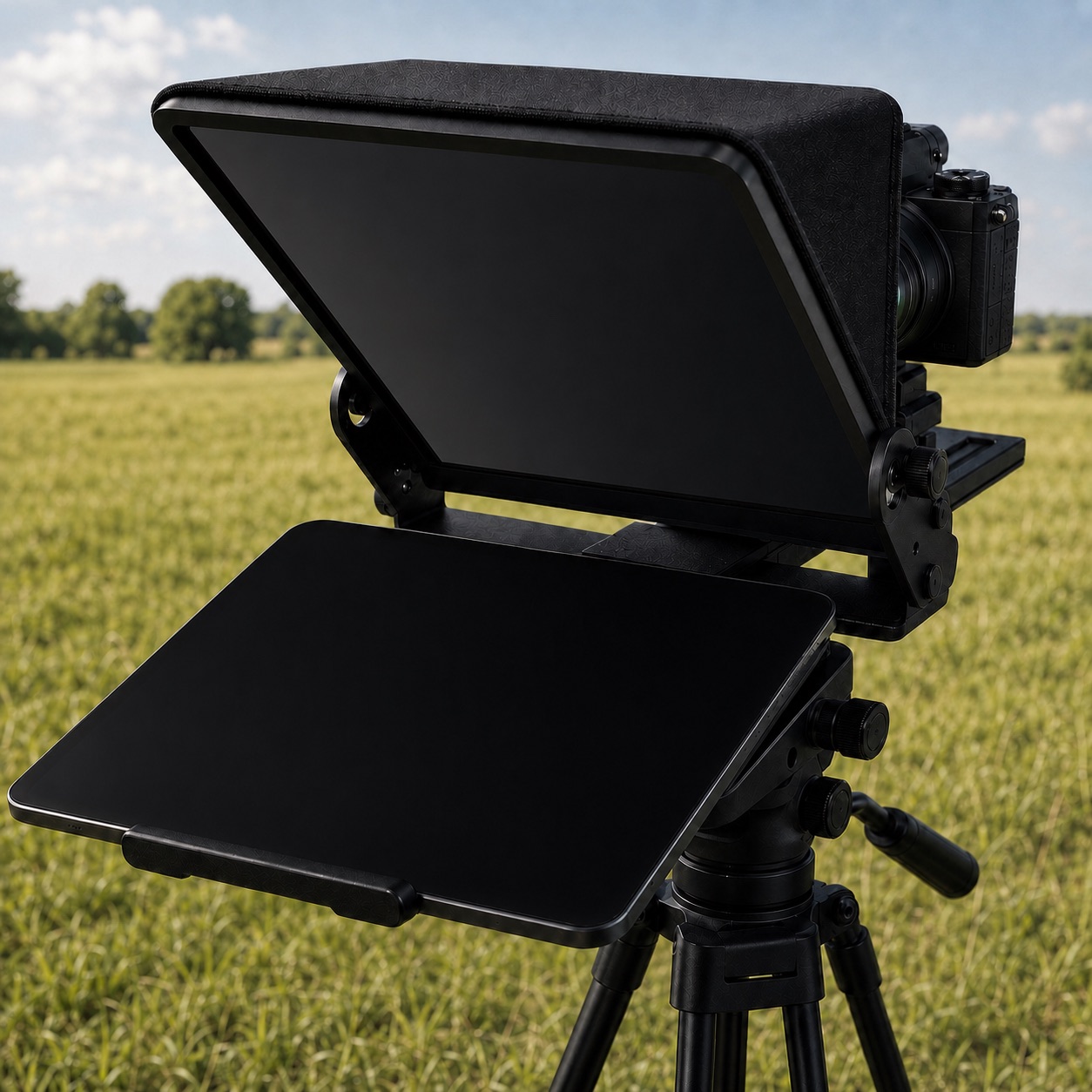
Built-in recording

Film the take with the prompter on the lens

Record video or voice right in the app — the script floats over the viewfinder and voice-tracking keeps working while the camera rolls. Finish a take, trim it, share it, or save it to your photo library. One app from script to footage.

  • Voice-follow keeps tracking while you film — that’s the hard part, done
  • Video and audio takes land in a built-in library: review, trim, export
  • Front or rear camera, mirror-ready overlay
The prompter tracks your voice while the camera records.
Multi-device

One take, every screen in step

The phones, tablets and laptops you already own become synced prompter screens. One device leads, the rest mirror it live over your own Wi-Fi.

Synced screens

Cast the script to the whole set

Pick a host, cast to as many screens as you need — the rig, the confidence monitor, the guest’s iPad. Scroll, pause or jump, and every screen follows within a blink. The host counts its screens and tells you the second one drops.

  • Nearby devices find each other — same Wi-Fi, zero setup
  • Pair once with a QR or 4-digit code; trusted devices reconnect silently
  • The script streams live and is never stored on the screens
Whisprompt for Mac

The phone shoots. The Mac runs the show.

A full operator station on your desktop: every script, every device, every take — in one window, wired to the same offline engine.

A live mock of the Mac app — open a script, fix a line on air, route the screens, pull the takes.
Operator station

Edit live, route screens, pull the takes

Whisprompt for Mac turns a laptop into the control room. Fix a line while the presenter is reading — the on-air text settles in gently, never yanking the scroll under their eyes. Send the script to any screen in the room, and when the take is done, pull the footage off the phone over Wi-Fi.

  • Live editing on air: corrections land softly, the talent never loses the line
  • Multi-window prompter output — route any script to any display or device
  • Take the recordings off your phone without a cable
  • One Pro covers your linked devices — buy once, run the set
Watch remote

The whole rig, controlled from your wrist

Phone on the tripod, hands free. Start, pause, restart and switch modes from your watch — with a haptic tick that confirms the prompter heard you, even when you can’t see its screen.

  • Play / pause / restart from the wrist
  • Switch Voice ↔ Auto without touching the phone
  • Bluetooth clickers work too — even the Neewer RT113
Director’s cues

Stage directions that never get read aloud

Drop “Look at camera”, “Slow down”, “Pause · breathe” straight into the script. They render as pills above the line — visible, never spoken, never tracked. Two presenters on one glass? Assign paragraphs to readers and everyone knows whose line is next.

  • Inline cues the tracker knows to skip
  • Colour-coded readers for two-presenter scripts
  • Chapters: jump straight to any section of a long script
Look at camera

…and that’s the whole setup in a single take.

Pause · breathe

Now to the part everyone keeps asking about.

Here’s how it actually works in practice.

Pace coach

Land the ending exactly on time

Give a script a target — say, three minutes — and Whisprompt spreads it across your chapters and watches your live pace. Running hot? A quiet “ease off” appears. Running long? It nudges you before the ending is at risk, not after.

  • Target time per script, planned across chapters
  • Live ahead/behind hints that don’t shout
  • Learns your natural pace across sessions
Your text, from anywhere

Notion pages and your files — mirrored, offline

Connect a Notion page and the prompter mirrors it: the team keeps editing where it lives, you always read the latest version — from a local copy that works with no signal at all. Or just import PDF, Word, Pages, Markdown and plain text.

  • Notion stays the source of truth — no copy-paste drift
  • A local copy means the shoot never waits for a network
  • PDF, Word, Pages, Markdown, RTF and plain text import
Script library with a mirrored Notion source
For real shoots

The details crews notice

Everything around the core is built for the day when the light is booked by the hour.

Level meter

An animated meter shows the prompter hears you — no silent failures mid-take.

Mirror & invert

Horizontal and vertical mirroring for beam-splitter glass and overhead rigs.

Wireless remotes

Standard Bluetooth clickers just work; we even reverse-engineered the Neewer RT113. Got another? Tell support.

Reading themes

Classic, amber, paper and sepia presets with per-element opacity — readable on any glass.

Light & dark

Native themes tuned for iPhone and iPad, day calls and night shoots.

Languages

Enhanced offline tracking for English and Russian (Spanish next), plus your device’s built-in recognition for the rest.

Pricing

Free to shoot. Pro when the set grows.

The core prompter is free — no account, no watermark, no take limit. Pro unlocks the production layer.

Free

$0

Everything a solo creator needs

  • Voice-tracking and auto-scroll, with your device’s recognition
  • Video & audio recording with the built-in library
  • Cast to nearby screens over Wi-Fi
  • File import: PDF, Word, Pages, Markdown, text
  • Mirror modes, reading themes, level meter
For productions

Pro

Priced in your currency, inside the app

  • Chapters, director’s cues, readers and target-time pacing
  • Notion page mirrors with offline copies
  • Enhanced offline recognition packs — tracking with no connection
  • Hardware remotes and second-device control
  • One Pro covers your linked devices — phone, iPad and Mac

Prices are shown in the app in your local currency, billed by the App Store. Cancel anytime. Pro is shared automatically with devices you link — no extra seats to buy.

FAQ

Fair questions

The ones we’d ask before trusting an app with a shoot.

Does it really work offline?

It can, and that is the point of the offline packs: download one and recognition runs entirely on the device, so airplane mode changes nothing — tracking, recording and casting over local Wi-Fi all keep working. Without a pack, Whisprompt uses your system’s built-in recogniser, which is offline on many phones but reaches its platform’s servers on others, depending on the device, the language and your settings.

Where does my voice go?

Never to us — we run no speech servers and store no recordings. With an offline pack installed, the audio stays on the device entirely; without one, your phone’s own recogniser handles it and may send it to Apple or Google under their terms. Whisprompt needs no account, and this site runs no trackers or third-party analytics. Your scripts stay on your devices unless you connect a source like Notion yourself.

Which languages can it follow?

Enhanced offline tracking ships for English and Russian, with Spanish next in line. For other languages Whisprompt uses your device’s built-in recognition, so anything your phone can transcribe, the prompter can follow.

Will it work with my teleprompter glass?

Yes — horizontal mirror for beam-splitter glass, vertical flip for overhead mounts, and high-contrast reading themes designed to survive reflection. Any rig that fits a phone or tablet works.

What remotes are supported?

Standard Bluetooth clickers and page-turners work out of the box, buttons are remappable in the app. The proprietary Neewer RT113 is supported too. An Apple Watch or a second phone makes a fine remote as well.

Is there a Mac version?

Yes — Whisprompt for Mac is the operator station: the shared library, live on-air editing, multi-window prompter output and take transfer from the phone. It is in the final stretch before release; one Pro covers it and your mobile devices.

What does it cost?

The core prompter — voice tracking, recording, casting — is free without an account. Pro is a subscription (or one-time purchase where offered) priced in your local currency in the app, and it extends to devices you link.

Let your voice lead.

Whisprompt is coming to iPhone and iPad — Mac right behind. Read a take with it, and a scrolling prompter will feel like dial-up.